
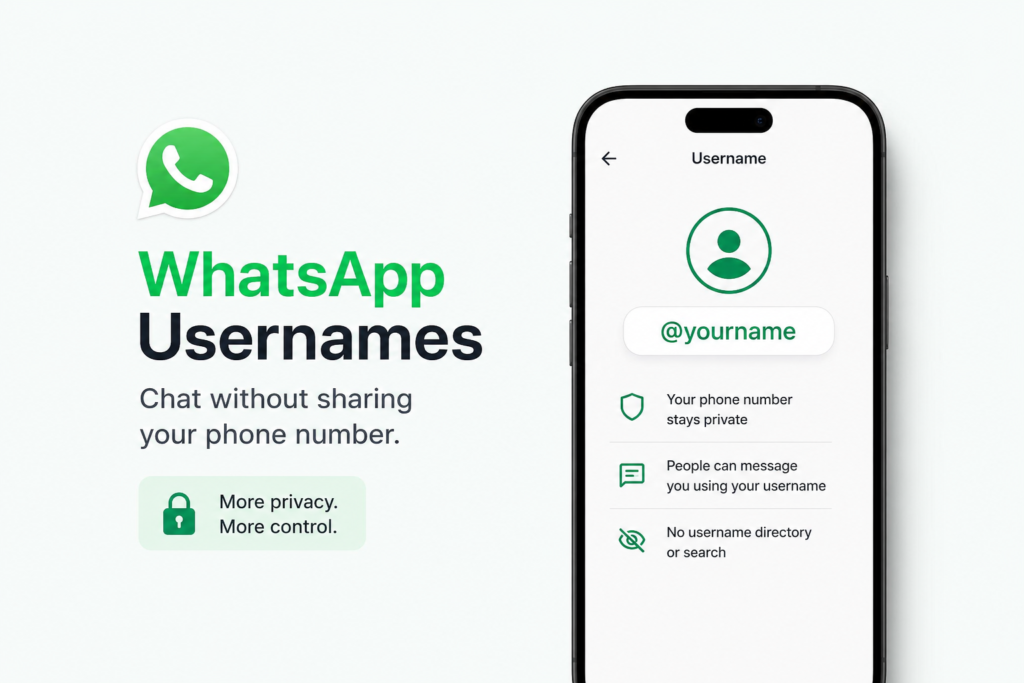
WhatsApp usernames are finally here, and they mark one of the biggest privacy changes in the app’s history. On June 29, 2026, Meta officially confirmed that WhatsApp usernames will let people connect and chat without ever sharing their phone number. If you’ve been searching for how WhatsApp usernames work, when they launch, and how to reserve one, this guide answers every question you have.
What Is the WhatsApp Usernames Feature?
The WhatsApp usernames feature is an optional identity layer that lets you create a unique handle, something like @modernmarketingofficial, and share that instead of your phone number when you connect with someone new. Once you set up a username, anyone who knows your exact handle can start a conversation with you inside WhatsApp. Your phone number stays hidden from them, even though it remains linked to your account for login, verification, and account recovery.
This is a long-requested change. Rival apps like Telegram and Signal have had usernames for years, but WhatsApp, with nearly three billion users, only began publicly rolling out its own version in mid-2026.
When Is WhatsApp Launching Usernames?
WhatsApp usernames are rolling out in phases rather than all at once, so timing depends on where you live and whether you’re a personal user or a business.
- Limited beta: Testing began in April 2026 for a small group of select users.
- Reservations open: Starting the week of June 29, 2026, WhatsApp opened username reservations globally, letting people claim a handle in advance of the full launch.
- First country wave: The feature is expected to go fully live on July 7, 2026 in select markets, with a second wave following on July 20, 2026.
- Global rollout: WhatsApp says the rest of the world will get access gradually “over the coming months,” with broader availability expected through September 2026 and beyond.
Because names overlap for billions of users, WhatsApp opened reservations early specifically so people could lock in the username they want before it’s taken.
How to Reserve Your WhatsApp Username?
Reserving a WhatsApp username now secures your handle for when the feature fully launches on your account. Here’s how:
- Update WhatsApp to the latest version on Android or iOS.
- Go to Settings > Account > Username (it may also appear directly under your Profile in Settings).
- Enter your desired handle and check availability.
- If you already use a matching handle on Instagram or Facebook, WhatsApp will let you claim the same username for consistency across Meta’s apps.
Keep in mind that the reservation option is rolling out gradually, so it may take a few days to appear on your device even after WhatsApp’s announcement.
WhatsApp Username Rules and Format
Before you pick a handle, it helps to know the exact rules WhatsApp has set for usernames:
- Must be 3 to 35 characters long
- Can include lowercase letters (a–z), numbers (0–9), periods, and underscores
- Must contain at least one letter (no username can be numbers or symbols only)
- Cannot start with “www.” or end in a domain extension like .com or .net
- Must be available across Meta platforms (WhatsApp, Instagram, and Facebook) to be claimed
- Handles that impersonate a real person, business, or brand are blocked, and notable accounts get verification
WhatsApp Usernames vs. Phone Numbers: What Changes for Privacy
The biggest appeal of WhatsApp usernames is privacy. Right now, anyone with your phone number can message you on WhatsApp. Once usernames are live, you’ll be able to choose to be found and contacted only by your handle, not your number.
Importantly, WhatsApp has confirmed there will be no public directory of usernames and no autocomplete or search suggestions. Someone has to know your exact username to reach you for the first time. This is different from apps like Instagram, where usernames are searchable by design. Alice Newton-Rex, WhatsApp’s VP of Product, described it as a “core privacy feature” built specifically to give users more control over who can contact them.
Your phone number will still be required to create and maintain your WhatsApp account, so usernames don’t replace phone numbers entirely, they just give you the option to keep that number private in conversations.
What This Means for WhatsApp Business Accounts
Businesses have a slightly different timeline and a real deadline to pay attention to. Starting as early as June 2026, businesses using the WhatsApp Business API were able to begin creating and claiming usernames tied to their existing WhatsApp Display Name, Meta Verified Name, or Facebook/Instagram Business handle.
Unlike personal accounts, a business’s phone number will still be visible, but the username adds a searchable, brand-consistent identity that makes the business easier to find and recognize. Businesses that don’t claim a matching username early risk losing it to someone else, since popular brand names are expected to be claimed quickly once reservations open widely.
Frequently Asked Questions About WhatsApp Usernames
1. What is the WhatsApp usernames feature?
It’s an optional feature that lets you create a unique handle, like @modernmarketingofficial, to share instead of your phone number. People who know your exact username can message you without ever seeing your number.
2. When will WhatsApp usernames be available to everyone?
WhatsApp usernames began rolling out in phases starting July 2026, with the first country wave live on July 7, 2026, and wider global availability expected through September 2026 and later in the year.
3. Can I use WhatsApp without sharing my phone number if I set a username?
No. Your phone number is still required to register and maintain your WhatsApp account. A username simply lets you avoid sharing that number with other people when you chat.
4. Are WhatsApp usernames searchable by other people?
No. WhatsApp has confirmed there is no public directory and no autocomplete for usernames. Someone must know your exact handle to start a conversation with you.
5. How do I reserve a WhatsApp username before the full launch?
Update your app, then go to Settings > Account > Username (or your Profile) to check availability and reserve your handle ahead of the official rollout.
6. Can businesses claim a WhatsApp username matching their Instagram or Facebook handle?
Yes. Businesses, creators, and organizations with existing Meta accounts can claim a matching username across WhatsApp, Instagram, and Facebook for consistent branding.
7. Is the WhatsApp usernames feature free to use?
Yes. Reserving and using a WhatsApp username does not cost anything for personal users or businesses.
Posted on 03, June 2026
Pingback: Google Search Console Guide (2026): Setup, Features & SEO Tips