
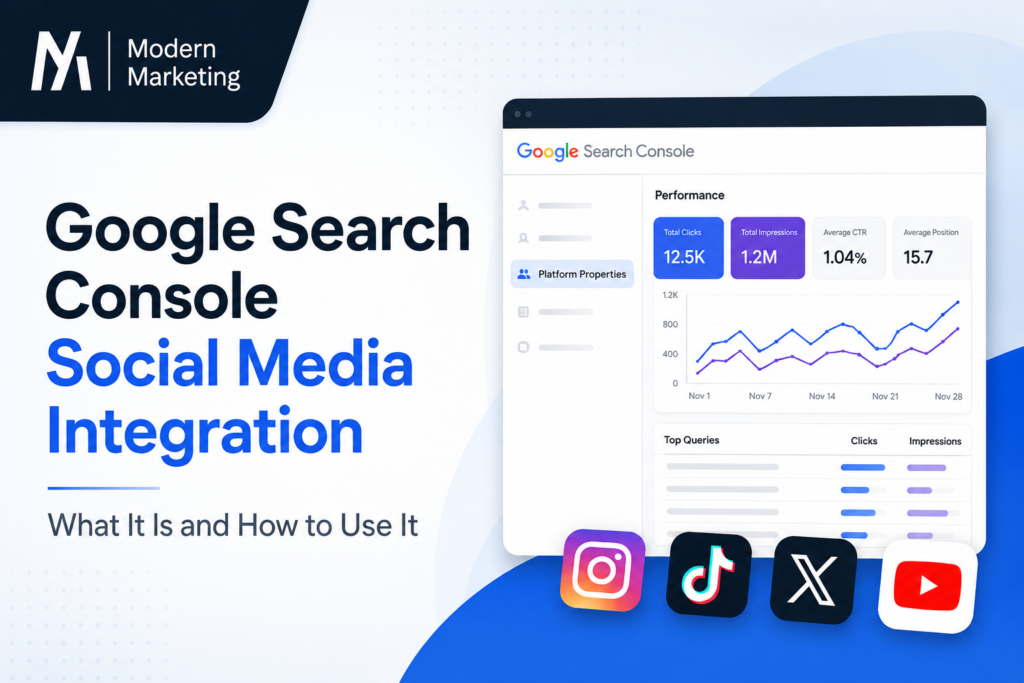
Google Search Console social media integration just moved from experiment to full rollout, and it changes how creators, brands, and SEOs track visibility beyond their own website. Google has launched a new property type called platform properties, giving you a dedicated performance report for how your Instagram, TikTok, X, and YouTube content shows up in Google Search and Discover.
If you have been wondering how to see your social posts inside Search Console, or why your website’s Insights report suddenly mentions social channels, this guide from Modern Marketing answers every question you’re likely searching for. If you’re still getting the basics in place, check out our complete Google Search Console guide before diving into platform properties.
What Is the New Google Search Console Social Media Integration?
The Google Search Console social media integration is a new feature, officially called “platform properties,” announced by Moshe Samet, Product Manager Lead for Search Console, on the Google Search Central Blog. It lets site owners and creators see exactly how their posts on Instagram, TikTok, X, and YouTube perform when people find them through Google Search.
In simple terms, this integration pulls your social content into the same reporting environment you already use for your website. You get clicks, impressions, top queries, and audience insights, but for your social profiles instead of your domain.
The biggest shift here is accessibility. Previously, Search Console only worked for people who owned and verified a website. With this update, even creators without a personal site can set up a platform property and start monitoring their Search visibility.
How Does the Search Console Performance Report Work for Social Channels?
Once you add a platform property, the performance report becomes your main dashboard. It works almost exactly like the classic Search Console performance report for websites, just applied to social content. For a deeper breakdown of clicks, impressions, and CTR fundamentals, see the Modern Marketing guide to reading Search Console performance data.
Here’s what the performance report shows for each connected channel:
- Total clicks and impressions – how many people saw and clicked through to your social content from Google Search
- Top and trending queries – the exact search terms sending people to your posts
- Filtering and sorting tools – so you can quickly identify your best-performing posts
- Data export options – pull the numbers into another analytics tool if you prefer
Alongside the performance report, two more sections come bundled into the same platform property:
- Insights report: a high-level view of recent traffic trends, top-performing posts, and how people are discovering your account through Google.
- Achievements: tracks growth milestones, like crossing a new total-click threshold from Search within a rolling 28-day period.
Which Social Platforms Does Search Console Support?
At launch, the Google Search Console social media integration supports four platforms:
- TikTok
- X (formerly Twitter)
- YouTube
Google has said the rollout is gradual, so not every account will see the option immediately, even if you follow the setup steps correctly. Want platform-specific tips? Modern Marketing has dedicated guides for Instagram SEO strategy, growing TikTok organic reach, and YouTube search optimization.
How to Set Up Platform Properties in Google Search Console
Setting up the integration takes just a few steps:
- Open Google Search Console.
- Go to the property selector dropdown or head straight to the verification page.
- Click “Add property.”
- Choose one of the four supported platforms: Instagram, TikTok, X, or YouTube.
- Follow the on-screen steps to securely authorize and verify the connection.
Once verified, your platform property will start populating the performance report, insights report, and achievements section as Google collects Search data for that channel. Running into verification errors? Our Search Console property verification troubleshooting guide covers the most common fixes.
Why Does This Search Console Update Matter?
For years, brands managed two disconnected worlds: social teams tracked platform-native metrics, while SEO teams stayed inside Search Console looking only at website data. This update starts closing that gap.
A few practical benefits:
- Unified visibility: You no longer need separate tools to understand how your social content performs specifically within Google Search and Discover.
- Creator-friendly access: People without a website can now get real Search Console data for the first time.
- Better content decisions: Seeing which queries drive clicks to your social posts helps you refine titles, captions, and topics for future content.
- Early trend spotting: The Insights report highlights what’s trending upward, letting you double down before a topic cools off.
At Modern Marketing, we treat this kind of unified reporting as the foundation of a cross-channel content strategy – one where social and SEO teams work from the same data instead of two separate dashboards.
This is part of a broader pattern. Search Console has rolled out several major reporting expansions recently, including social channel data inside Insights in December 2025, weekly and monthly performance views, and generative AI search performance reporting. Platform properties are simply the next step in that direction.
Platform Properties vs. the Earlier Social Channels Experiment
It’s easy to confuse this launch with an earlier, smaller test. Back in December 2025, Google experimented with adding social channel data directly into the website Insights report – but that version was automatic and limited. Google would detect a social profile linked to your site and prompt you to add it; there was no way to manually connect a channel, and it wasn’t available for creators without a website.
Platform properties work differently. You actively create and verify the property yourself; it’s not tied to owning a website, and it functions as its own standalone property inside Search Console rather than an add-on to your site’s Insights report.
It’s also worth noting this is separate from “Search profiles,” a June 2026 feature that creates public-facing profile pages for qualified creators. Platform properties are about analytics for your own eyes; Search profiles are about public discovery. Read our full comparison in Search Profiles vs. Platform Properties: What’s the Difference?
Frequently Asked Questions
Q: What is Google Search Console social media integration?
A: It’s a new Search Console property type called “platform properties” that lets you track how your Instagram, TikTok, X, and YouTube posts perform in Google Search and Discover, using the same performance report, insights report, and achievements tools available for websites.
Q: Which social platforms work with Search Console right now?
A: Instagram, TikTok, X, and YouTube are supported at launch. Google has said more platforms could be added over time.
Q: Do I need a website to use this feature?
A: No. This is one of the biggest changes with platform properties – creators without a verified website can still set up a property and access Search performance data for their social accounts.
Q: What does the Search Console performance report show for social accounts?
A: It shows total clicks, impressions, and the specific search queries driving traffic to your posts, with filtering, sorting, and export options.
Q: How long does it take for platform properties to appear in my account?
A: The rollout is gradual and happening over several weeks, so the option may not show up immediately even after Google’s announcement.
Q: Is this the same as the social channels feature from December 2025?
A: No. The December 2025 feature was an automatic, limited experiment inside the website Insights report. Platform properties are a standalone, self-service property type you can set up manually, independent of owning a website.
Final Thoughts
The new Google Search Console social media integration gives creators and brands a much clearer picture of how their content performs across Google’s ecosystem, not just on their own domain. If you actively post on Instagram, TikTok, X, or YouTube, setting up a platform property is worth doing now so you start collecting performance data as the feature rolls out fully. Keep an eye on your Search Console property selector over the coming weeks if you don’t see the option yet.
Want help turning this data into an actual content strategy? The team at Modern Marketing helps brands connect Search Console insights to real social and SEO decisions – check out our social SEO services or browse more guides on the Modern Marketing blog.
Posted on 08 July 2026
By Santoshi Parihar
Pingback: Search Console Verification Troubleshooting Guide (2026)